Turning Imagination into Detailed Visuals with AI
Close your eyes and picture something entirely made up — a creature that doesn't exist, a place you've never been, a memory blended...
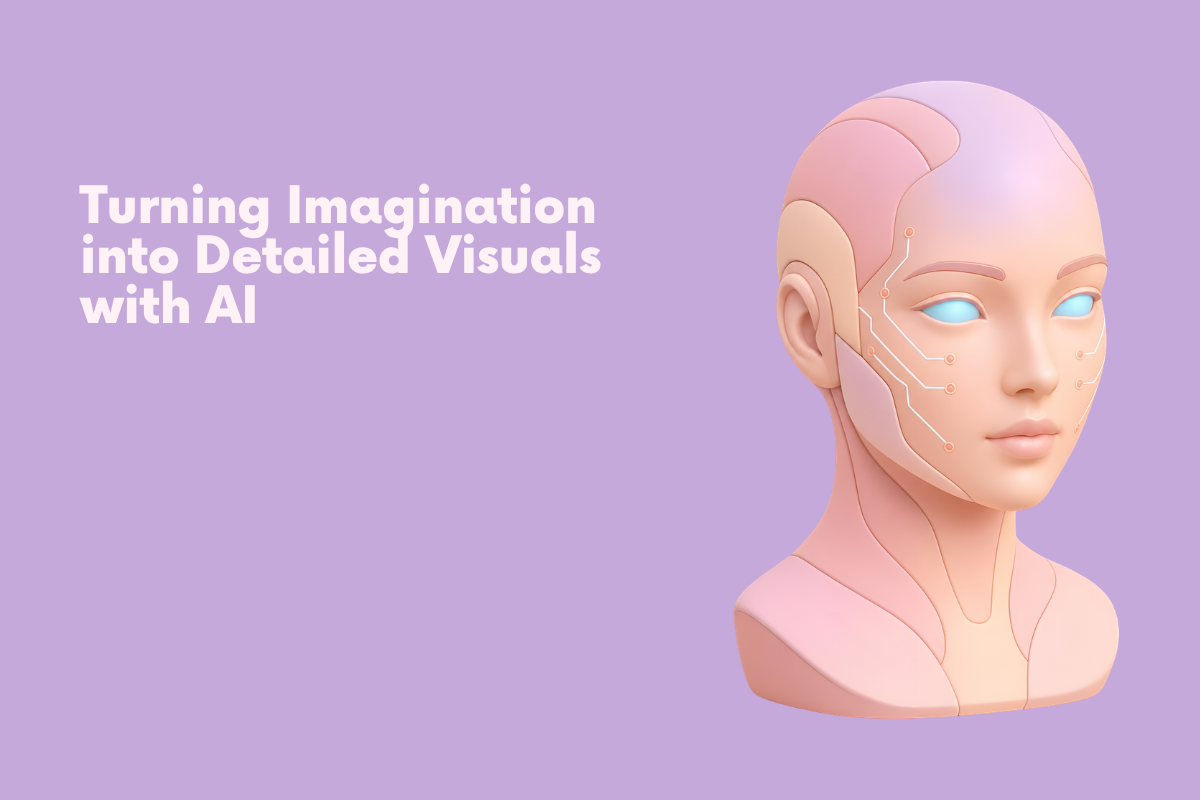
Close your eyes and picture something entirely made up — a creature that doesn't exist, a place you've never been, a memory blended with fantasy. That mental image is vivid and complete inside your head, yet the second you try to explain it out loud, it starts slipping away, losing detail with every sentence. An AI image generator exists precisely for this moment, catching that mental picture before it fades and rendering it back in full detail.
Dreamina, running on its most advanced image generation model, Seedream 5.0 Pro, is particularly skilled at this kind of translation work. It's less about following instructions literally and more about interpreting the feeling behind them, which matters enormously when what you're describing only exists in your imagination. Let's explore how to actually capture it.
Why imagination is harder to describe than reality
Describing something real is relatively simple; you're just naming what's already in front of you. Imagination works differently. A mental image often exists as a feeling or impression before it exists as specific details, which means the words you reach for first are usually vague — "otherworldly," "magical," "strange but beautiful." The real work of prompting isn't finding fancier words, it's slowing down enough to notice the specific details your imagination already generated, even if you haven't consciously named them yet.
Interrogating your own mental image
Before writing a single prompt, it helps to sit with the image in your head and ask it a few direct questions:
What is the dominant color or light source in this image?
Is there a texture or material that stands out?
What's the mood — calm, unsettling, joyful, mysterious?
Is there movement, or is everything still?
Answering these turns a vague impression into something you can actually describe with precision.
Anchoring the impossible with the familiar
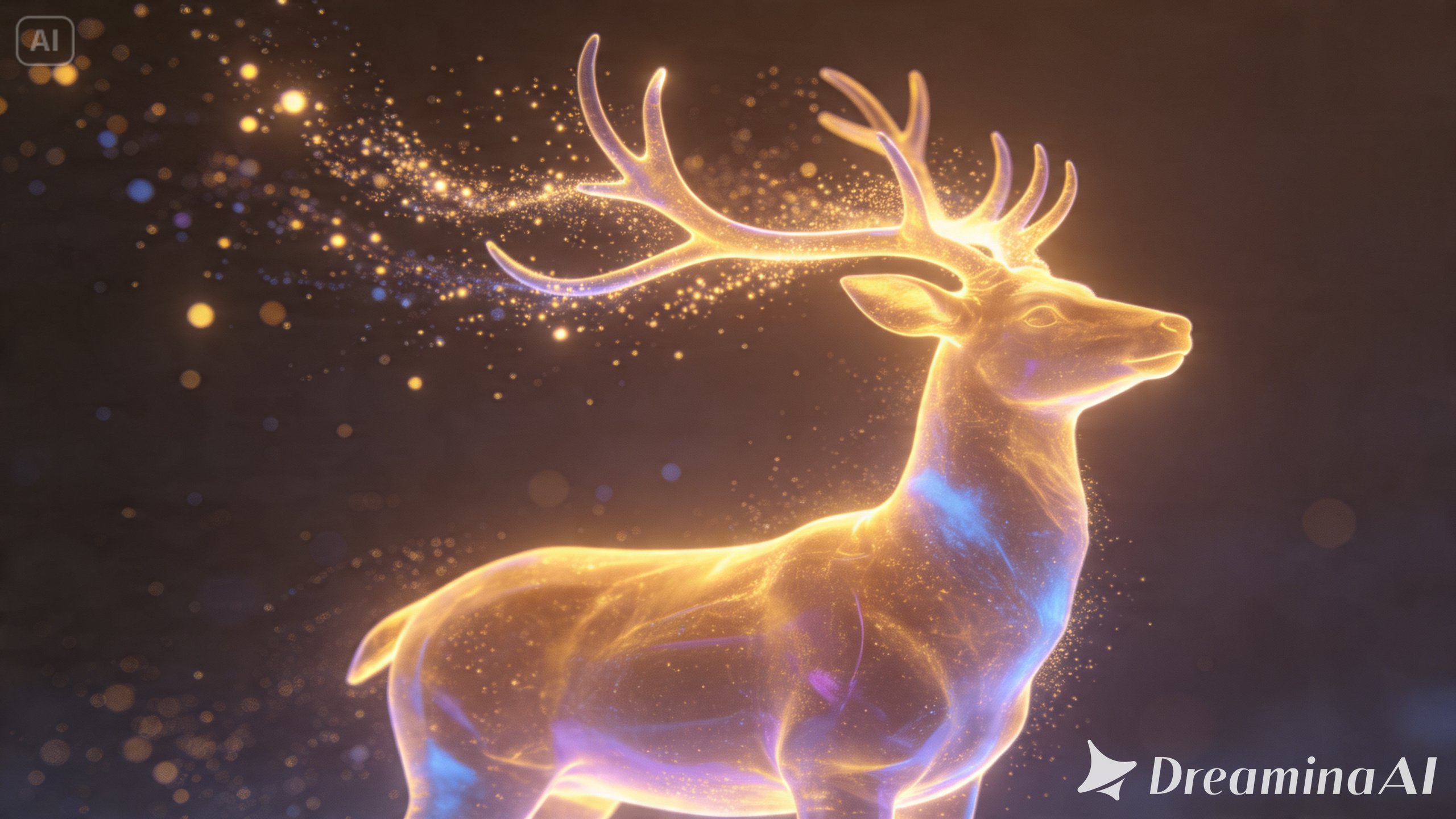
Purely abstract or fantastical concepts are easier for both you and the model to grasp when they're tied to something recognizable. "A creature made of light" is vague, but "a creature made of light, shaped roughly like a deer, with antlers that trail glowing particles" gives the imagination something concrete to build from. This technique, anchoring the unfamiliar to a familiar reference point, consistently produces sharper, more coherent results than pure abstraction alone.
Why Seedream 5.0 Pro is suited to imaginative work
Rendering pure imagination convincingly depends on a model that interprets intent rather than just literal keywords, and that's a core strength of Seedream 5.0 Pro.
Deep reasoning generation
This feature analyzes your prompt's mood, visual relationships, and creative intent before producing an image, which is especially valuable when working from an abstract or fantastical concept rather than something concrete.
Pinpoint precision editing tools
This also includes point selection, lasso, sketch guidance, and regional controls, let you refine a specific imaginative detail without disturbing the atmosphere around it.
Multi-layer visual control
It also helps here, separating your central figure from its dreamlike environment so you can adjust one without unraveling the other.
2K output generation
With 2K output, the fine detail that makes fantastical imagery feel rich rather than flat comes through clearly.
Your 3-step imagination capture with Dreamina
Once your mental image has some real shape to it, here's exactly how to bring it into Dreamina.
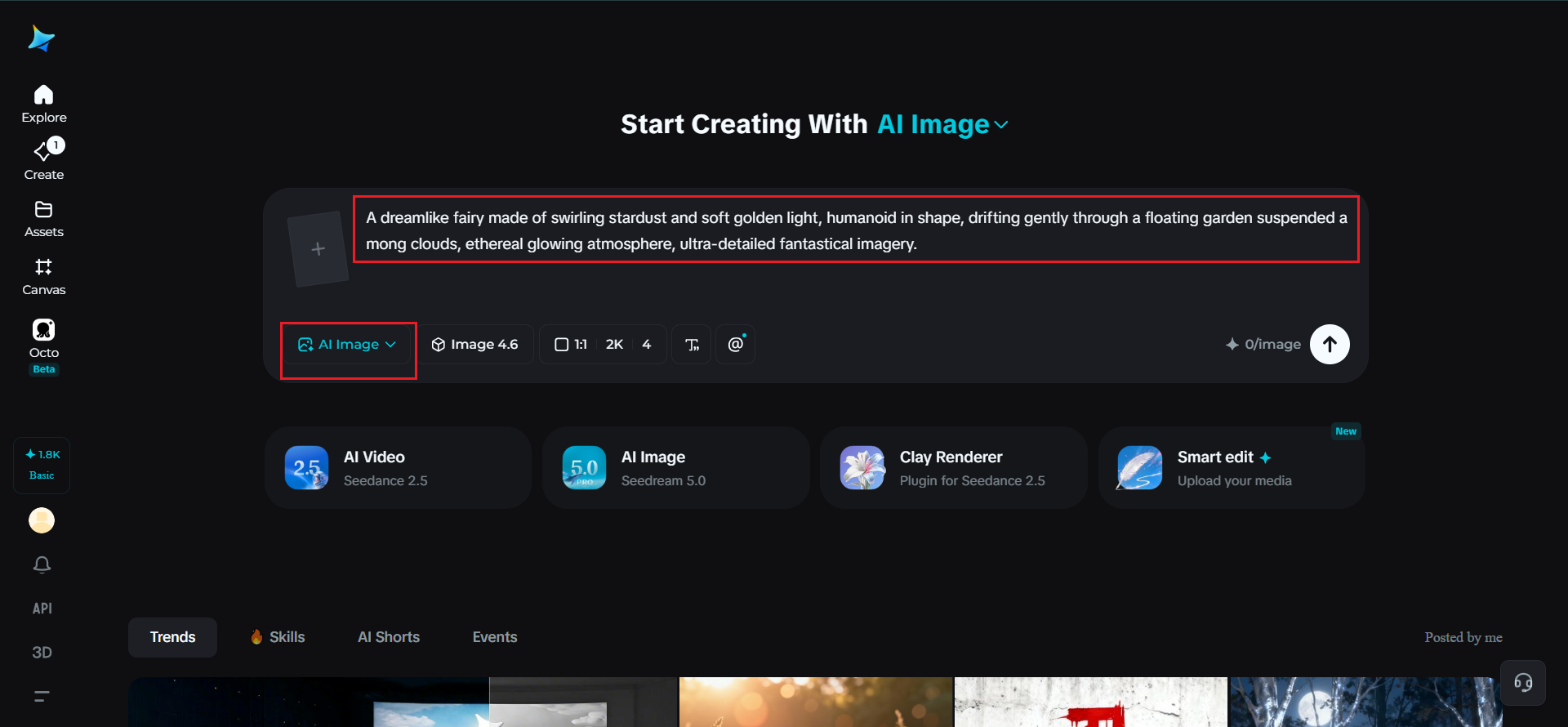
Step 1: Write a text prompt and/or add a reference image
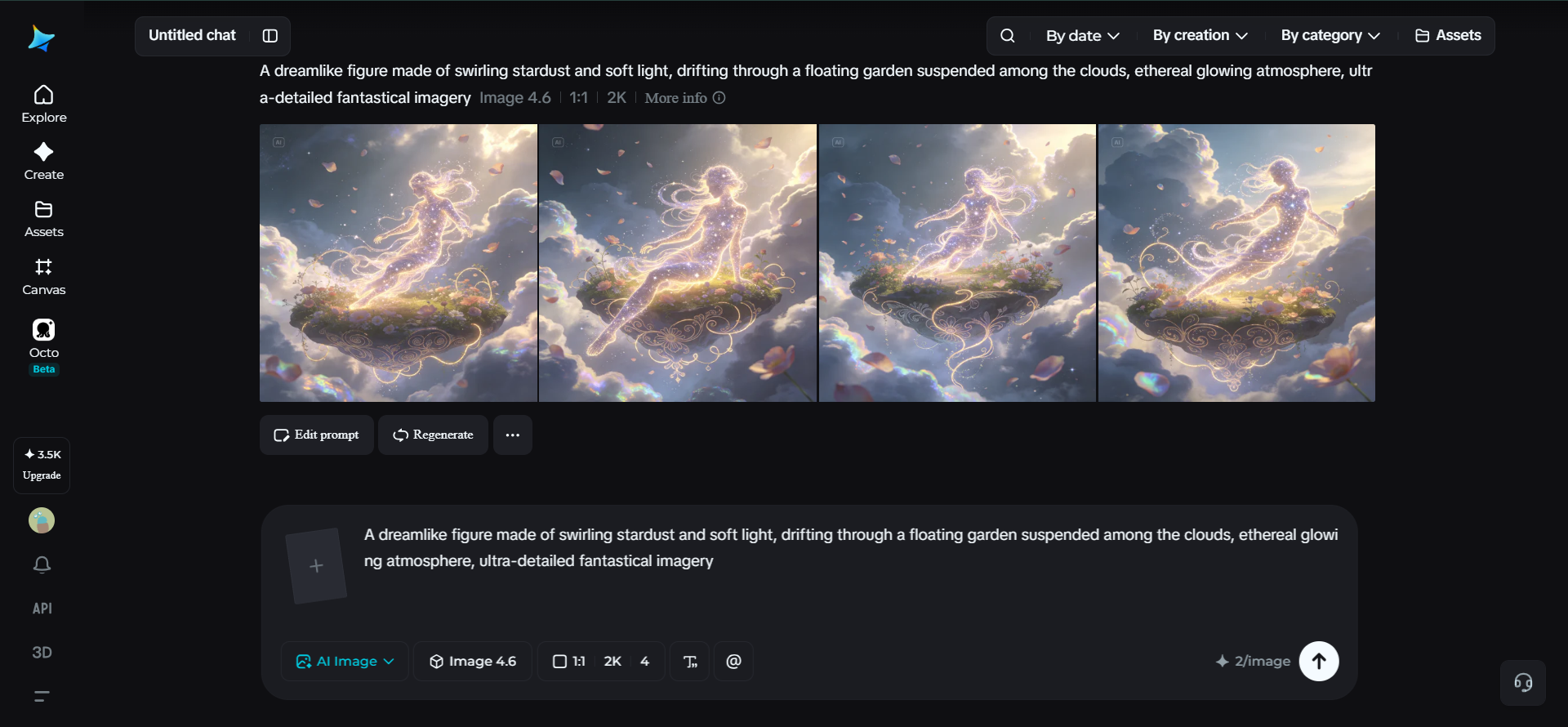
Navigate to Dreamina and write a detailed text prompt describing a figure dressed or formed appropriately for the imaginative scene in your mind, including the mood, light, and texture details you identified earlier. If any part of your imagined scene resembles something you've seen before, upload a reference image to help anchor that specific quality.
A descriptive prompt might read: A dreamlike fairy made of swirling stardust and soft golden light, humanoid in shape, drifting gently through a floating garden suspended among clouds, ethereal glowing atmosphere, ultra-detailed fantastical imagery.
Notice how even an impossible concept becomes clearer once given shape, light, and setting.
Step 2: Adjust parameters and generate
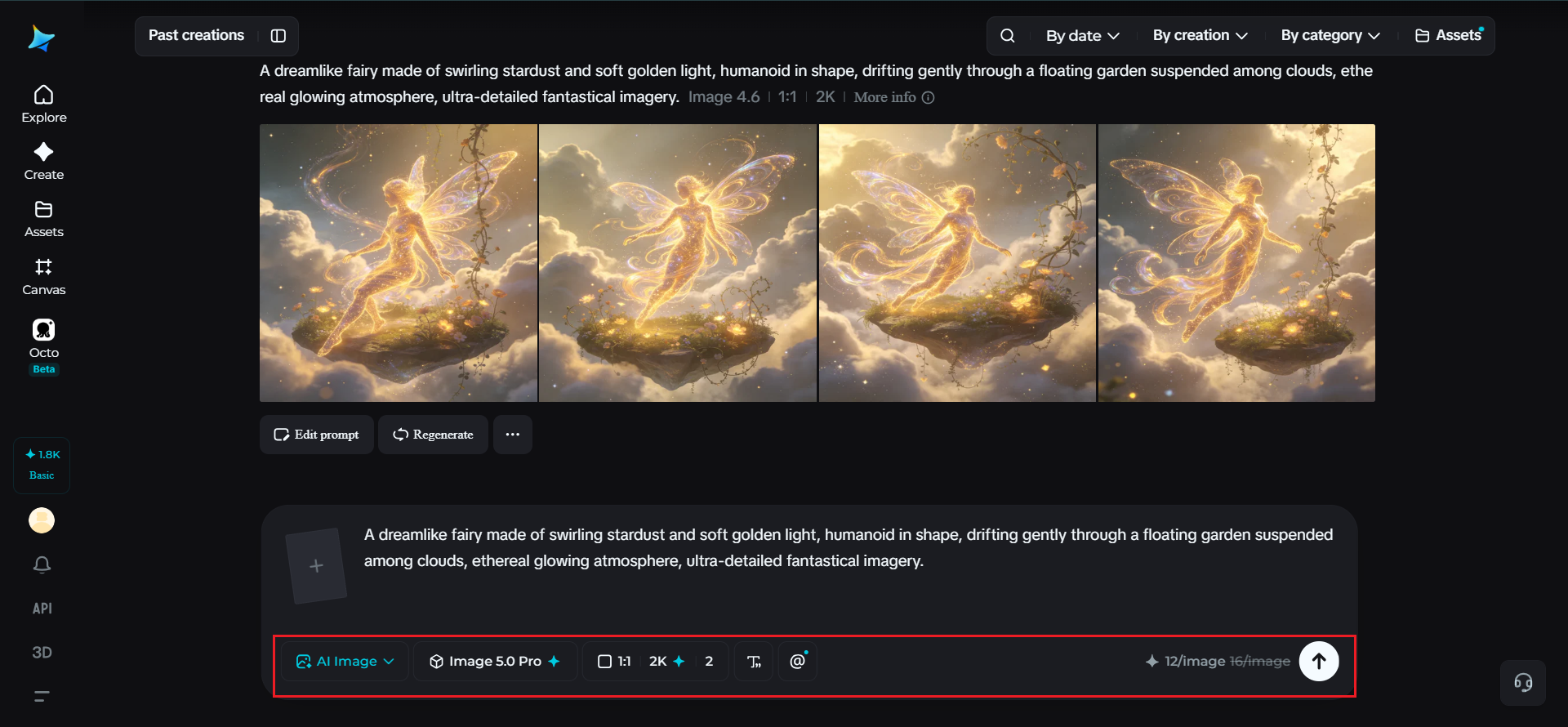
Before generating, set your parameters. Choose Image 5.0 Pro, powered by Seedream 5.0 Pro, as your model, then select your aspect ratio, image size, and resolution, using 1K while your imagined concept is still taking shape or 2K once you're ready to render it in full, rich detail. Click Dreamina's generate icon and watch your imagination take visual form.
Step 3: Customize and download
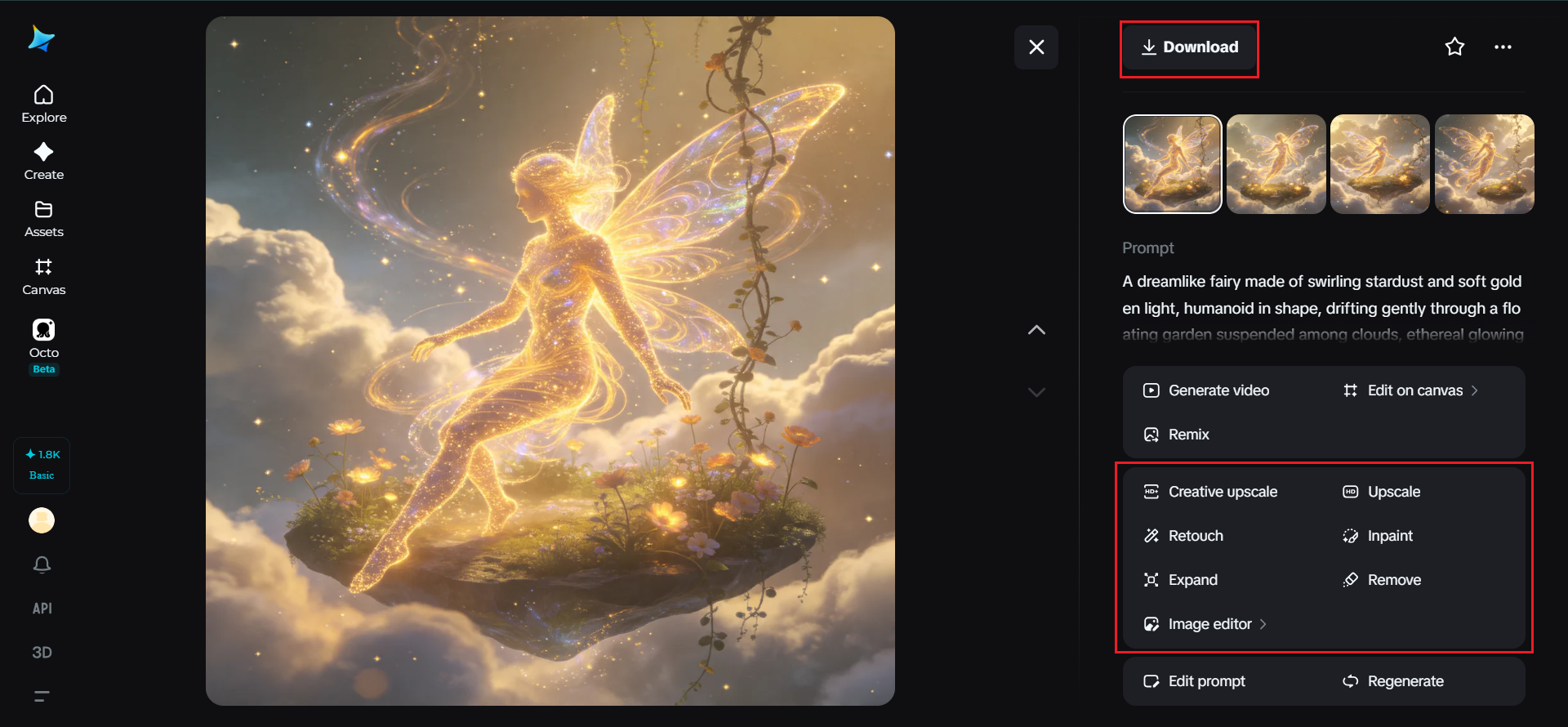
Once your image appears, compare it against the mental picture you started with, then use Dreamina's AI customization tools to close any remaining gap — inpaint to adjust a detail that doesn't match what you imagined, expand to reveal more of the surrounding world, remove to eliminate anything that doesn't belong, and retouch to sharpen the overall atmosphere. When it finally matches what you pictured, click the Download icon to save it.
When the result doesn't match what you imagined
It's common for a first generation to feel technically impressive but somehow off from what you actually pictured. When this happens, it's worth identifying whether the mismatch is about subject, mood, or detail. Often the issue isn't the prompt's accuracy but its emotional tone, and adjusting mood-specific language, like swapping "mysterious" for "unsettling," can shift the result closer to your original vision more effectively than adding more visual detail.
Keeping a running record of your visual ideas
Imagination doesn't arrive on schedule, so it's worth jotting down mental images the moment they appear, even in a few rough words, rather than trying to remember them later. A quick running list of impressions, colors, or moods becomes a genuinely useful prompt library over time, letting you return to and properly develop ideas whenever you're ready to sit down and generate them.
Final thoughts
The gap between what's in your head and what shows up on screen has never been smaller, and it starts with the right AI image generator to meet your imagination halfway. With Dreamina and its advanced Seedream 5.0 Pro model, even the vaguest, most fantastical mental image can be interrogated, anchored, and rendered in genuine detail.
Slow down, ask your imagination the right questions, and let Dreamina capture what words alone couldn't quite hold onto.