I Put the Quntis ScreenLinear Monitor Light Bar on My Desk for Two Weeks. Here's What Changed.
By the end of most workdays my eyes are the first thing to give out.
By the end of most workdays my eyes are the first thing to give out. Not my back, not my wrists, my eyes. Staring at a bright screen in a dim room for eight-plus hours does that, and I'd basically accepted it as part of the job. So when we got our hands on the Quntis ScreenLinear monitor light bar, the pink version, I figured it was worth actually living with for a couple of weeks instead of just describing what's on the box.
Setting It Up
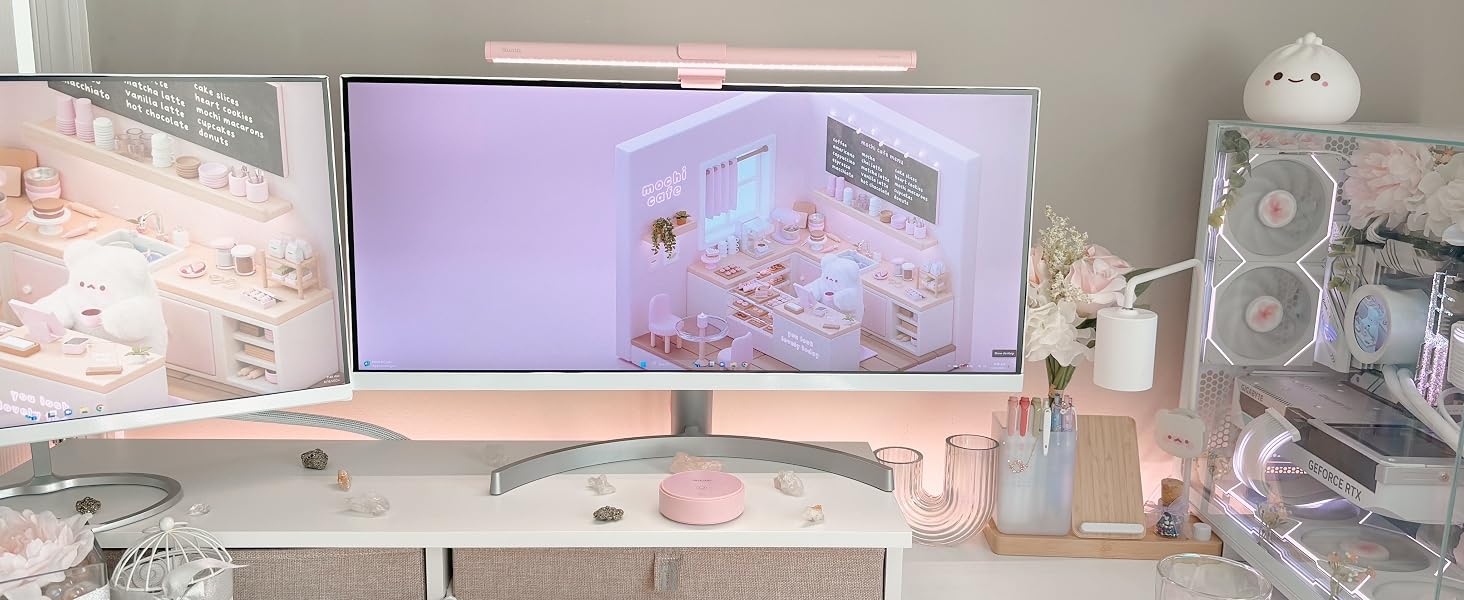
Installation took about three minutes, most of which was me double checking I had the clip oriented the right way. It slides onto the top edge of the monitor and clamps down with a weighted grip, no screws, no adhesive, nothing that touches the actual screen surface. I run a slightly curved monitor and was half expecting some awkward gap or wobble, but it sat flush and hasn't moved since. Power comes from a USB cable, I just ran it into a spare port on my dock, and the remote takes three AAA batteries that were already in the box.
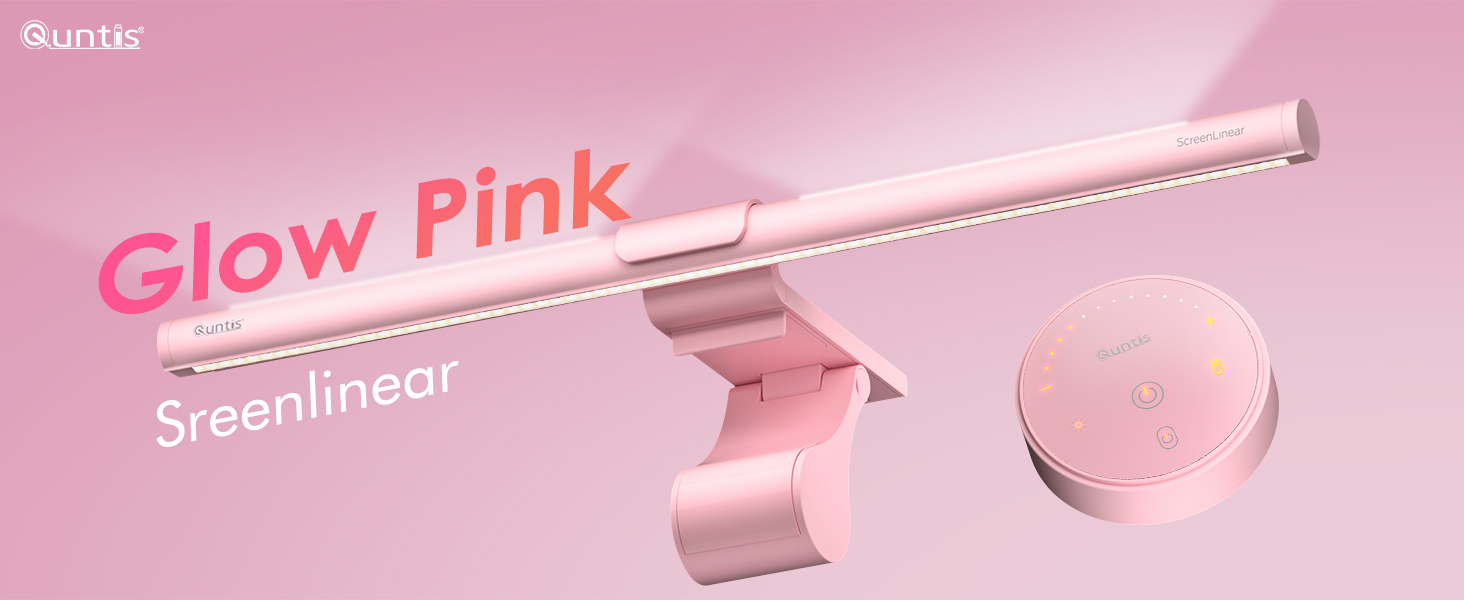
The remote itself is small and honestly kind of pleasant to use, the buttons glow softly so you can find them in the dark, which sounds like a minor detail until you're reaching for it at 11pm and don't want to fumble around.
The Backlight Is the Whole Point
Here's the thing I didn't fully get until I'd used it for a few days: the backlight isn't decoration, it's doing actual work. Most of my eye fatigue wasn't coming from the screen being too bright, it was coming from the contrast between a lit-up screen and a completely dark room behind it. My eyes were constantly readjusting between the two, and that's tiring in a way you don't notice until it stops.
The ScreenLinear throws a soft wash of light onto the wall behind the monitor, so the screen isn't sitting there like a lit window in a black room anymore. Combined with the front light, which is angled so it doesn't bounce glare back at you, the whole setup around the monitor feels more even. I didn't expect to notice a difference this quickly, but by the end of the first week I was reaching for it automatically every time I sat down, the same way you'd turn on a desk lamp without thinking about it.

I toggled through the three modes, front only, back only, and both together, and ended up living mostly in the combined mode during the day and switching to a warmer, dimmer combined setting in the evening. The color temperature adjusts smoothly with a long press on the remote, no stepped clicks, so you can actually dial it in rather than picking between three preset options.
Specs, for the People Who Want Them
What Actually Stood Out After Two Weeks
The memory function is a small thing that mattered more than I expected. My power strip gets switched off most nights, and I hate having to redo a lighting setup every single morning. This one just came back exactly where I left it every time.
The pink finish is genuinely nice looking, not the kind of thing that feels tacked on. It's the first piece of desk hardware in a while that I'd leave visible on a video call without thinking twice about it.
The one thing worth knowing going in, this is built for flat and curved monitors, not laptops or oddly shaped ultra-thin panels according to Quntis, so if your setup is unusual it's worth checking the fit before buying.
Who This Is Actually For
I write code most of the day and my partner does visual design work, so we split time on the same monitor pretty evenly, which turned out to be a decent test case. For long debugging sessions the reduced contrast genuinely made the end of the day feel less draining. For design work, the high CRI meant colors on screen looked closer to how they'd actually look printed or exported, without a lamp throwing an off-color cast across the desk. Anyone doing long stretches of screen work, whether that's development, design, writing, or just working odd hours, is going to get real use out of this rather than just a nicer looking desk.
Bottom Line
I went in expecting a slightly gimmicky RGB accessory and came out actually using it every day without thinking about it, which is usually the real test for anything you add to a desk setup. It solved a problem I'd stopped noticing I had. If you're on a screen for most of your day, it's worth trying.
You can find the Quntis ScreenLinear Pink Monitor Light Bar on Amazon.