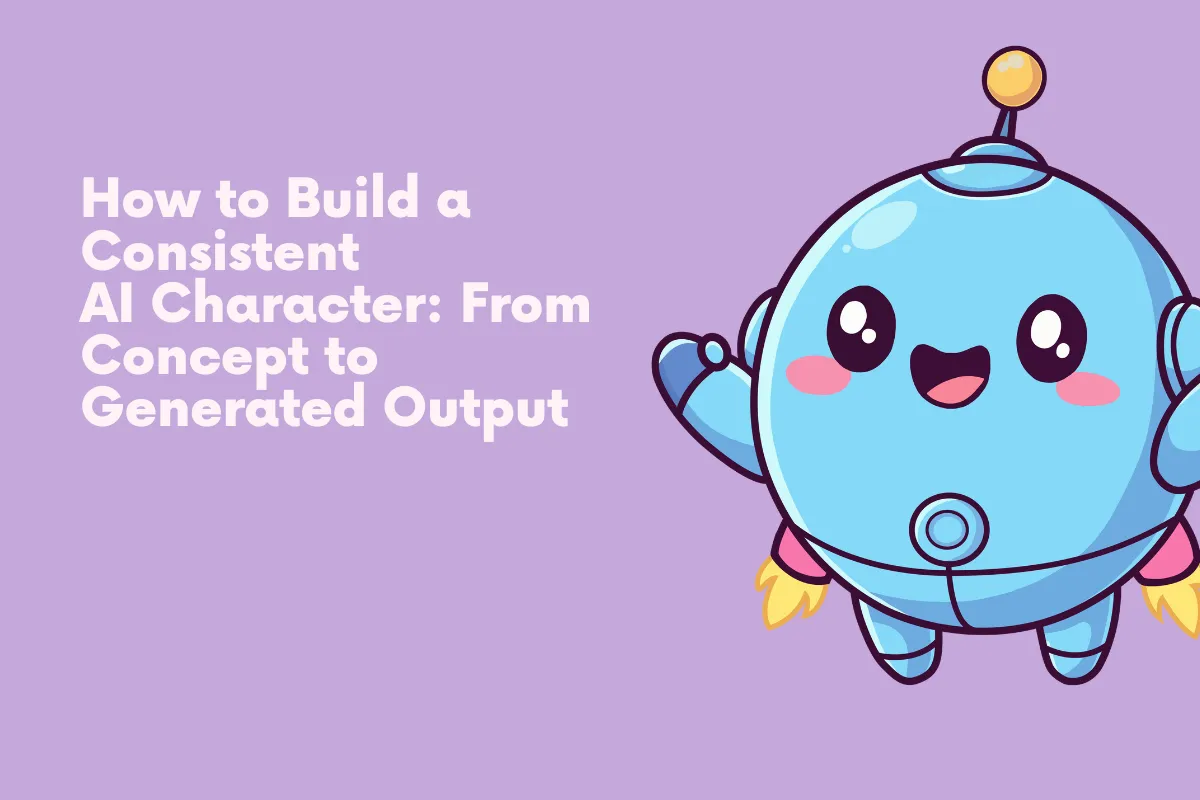
How to Build a Consistent AI Character: From Concept to Generated Output
Anyone who's spent time generating images with Stable Diffusion has hit the same wall.
Anyone who's spent time generating images with Stable Diffusion has hit the same wall. You create an AI character that looks exactly right, and the next prompt gives you someone who barely resembles the first. The face shifts, the proportions change, and what was supposed to be the same person now looks like a distant relative. Prompt stacking alone won't fix this because base models don't understand identity. The real solution sits in Character LoRA Training, a fine-tuning method that teaches a model to recognize and reproduce a specific character across any scene or pose.
Why Consistency Breaks Down
Text-to-image models generate based on statistical associations between words and pixel patterns. The phrase "brown-haired man in a leather jacket" activates thousands of possible visual combinations, and the diffusion process picks one based on your seed, sampler, and CFG scale. None of those settings anchor identity.
You can try stacking descriptors like "angular face, thin lips, deep-set hazel eyes, age 35" and it helps narrow the output. But it still won't produce the same person twice. Slight prompt rewording, a different pose, or even a change in background lighting causes the model to drift into a new interpretation. The more complex your AI character design, the harder it becomes to lock every detail in place.
Some creators attempt consistency through img2img workflows, feeding a reference image back into each generation. This works to a degree, but it heavily constrains composition. You end up with minor variations of the same pose because the model is anchored to the image structure, not the character's actual features.
Defining Your AI Character Before Generating
The most overlooked step is building a character sheet before touching any tools. This isn't about writing a backstory. It's about defining measurable visual attributes a model can learn from.
Think of it like casting an actor. You need specifics:
- Facial structure like round, oval, square, or heart-shaped
- Distinguishing features such as scars, moles, freckles, or asymmetry
- Hair specifics including texture, length, part direction, and volume
- Body proportions like shoulder width, build type, and posture tendencies
- Wardrobe constants or recurring clothing items that signal identity beyond the face
This reference sheet gives you a consistent prompt vocabulary. It also becomes the foundation for a training dataset when you move into fine-tuning your AI character model.
Building a Clean Training Dataset
Your character concept is locked, so now you need reference images. For a fictional AI character, that means either hand-drawing references, sculpting a 3D model, or curating your best generations into a training set.
3D renders give you perfect control over angle, lighting, and expression, but they carry a synthetic look that can bleed into outputs. Curated generations match the model's native aesthetic, though you risk baking in the very inconsistencies you're trying to eliminate.
Whatever the source, the dataset needs variety with stability. Aim for 15 to 30 images showing your character from multiple angles, in different lighting, with varied expressions. The core identity markers should stay identical across every frame. A dataset where the character looks subtly different in each image just teaches the model to reproduce that drift.
How LoRA Training Locks Identity
A LoRA doesn't rebuild the entire model. It adds a lightweight layer, usually between 4MB and 144MB depending on rank settings, that nudges the base model toward your character's features whenever a trigger word appears in your prompt. The base model still handles everything else like environments, lighting, and composition. The LoRA just ensures that when you type your trigger word, the model generates that specific face and body.
Training settings matter enormously. A learning rate too high causes the model to memorize exact pixel arrangements from your dataset instead of learning the character's underlying features. Too low, and the LoRA barely activates. Most practitioners land between 1e-4 and 5e-4 for character work. Network rank controls how much detail the LoRA captures, with rank 32 handling simple characters and rank 128 capturing finer detail at the risk of overfitting on small datasets.
Regularization images prevent the LoRA from distorting the base model's general knowledge. Without them, training your AI character can cause every generated face to start resembling your character, even without the trigger word.
Testing and Dialing In Results
Training finishes and you load the LoRA. The first result looks close but not right. This is normal.
Start by testing at different LoRA weight values between 0.6 and 1.0. Full weight applies maximum influence but can produce rigid, overtrained results. Dropping to 0.7 or 0.8 often looks more natural while still holding character identity. Run a test grid with the same prompt and seed but vary weight in 0.1 increments.
Pay close attention to pose diversity. A well-trained LoRA should maintain your AI character's identity whether they're facing the camera, in profile, or photographed from behind. If identity breaks at certain angles, your training dataset probably lacked coverage there. The fix is retraining with additional reference images, not more prompt engineering.
Stacking LoRAs With Other Tools
A trained LoRA solves identity, but a complete AI character pipeline usually requires combining it with other methods. ControlNet handles pose and composition, letting you place your character in specific positions without the LoRA fighting against prompt instructions. OpenPose and depth maps each give different levels of structural control.
For projects requiring your character across multiple art styles, you can blend a character LoRA with a style LoRA. Keep character weight higher than style weight so identity doesn't dissolve. Resources like Pixel Dojo can be helpful for understanding how different LoRA types interact when stacked.
IP-Adapter offers another angle entirely. Instead of training, it uses a reference image at inference time to guide face generation. The results are less precise than a dedicated LoRA, but it's useful for rapid prototyping before committing to a full training run.
Where This Is Heading
The tooling around AI character creation keeps evolving. Newer model architectures promise better native consistency, and dedicated tools are attempting to solve identity persistence at the architectural level rather than relying on fine-tuning alone. Video generation adds another layer, where frame-to-frame coherence matters even more than in still images.
But for now, the most reliable path to a consistent AI character remains the same loop. Define the character precisely, build a quality dataset, train a LoRA, test rigorously, and iterate on the results. The tools will improve, but the fundamentals stay the same. Identity is a hard problem in generative AI, and skipping the dataset or training steps almost always shows in the output.